No photo available
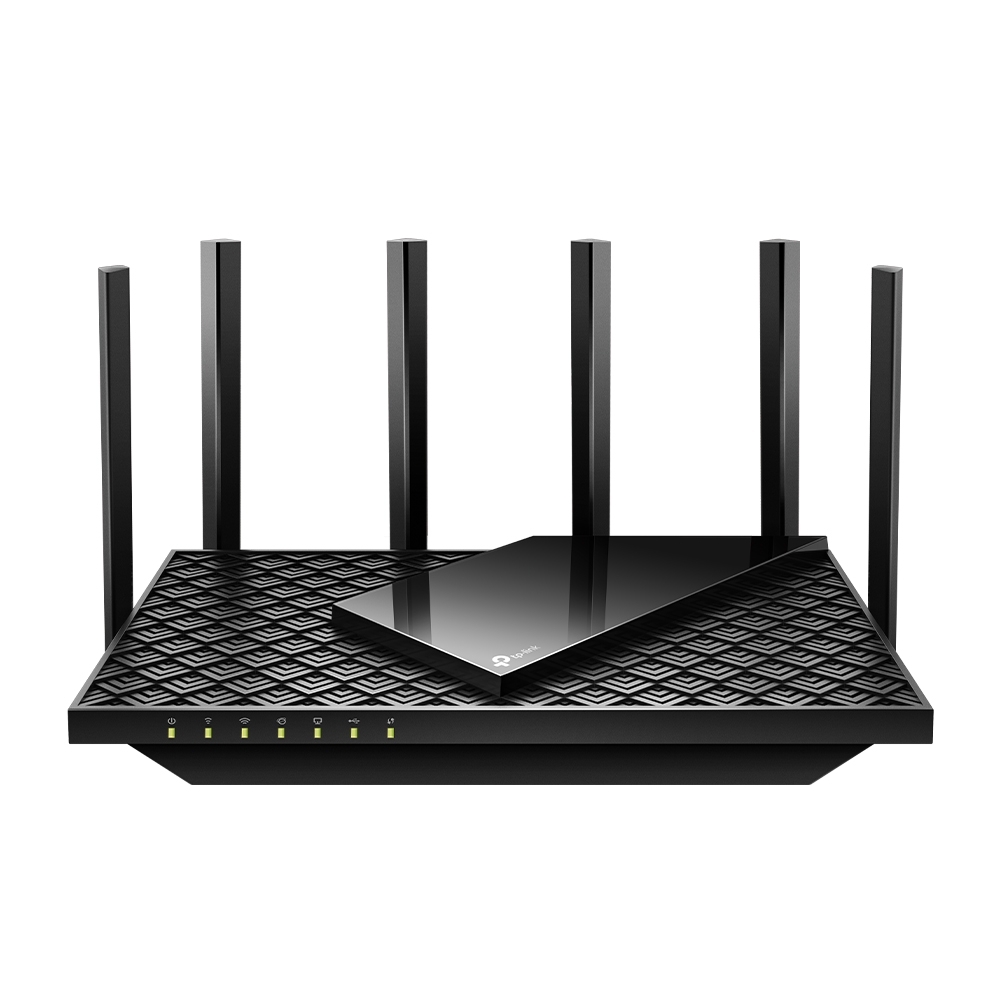
BE3600 Dual-Band Wi-Fi 7 Router featuring 2.5 Gbps WAN/LAN ports and EasyMesh.
Wi-Fi
WiFi 7 (802.11be)
LAN Ports
3
At a glance
Highlights
Wi-Fi WiFi 7 (802.11be)
Supports IPv4, IPv6, WiFi 4 (802.11n), WiFi 5 (802.11ac), WiFi 6 (802.11ax), WiFi 7 (802.11be)
Dual-band
2.4 GHz · 5 GHz
3 × Gigabit LAN
1 Gigabit WAN port
Mesh: Yes, Primary and Node
Compatible with mesh networking
Built-in VPN
Client: L2TP, OpenVPN, PPTP, WireGuard · Server: L2TP, OpenVPN, PPTP, WireGuard
Our coverage
Editorial
Every detail
Full Specifications
General
9 specs
General
9 specsManufacturer
Model
Archer BE3600
Full Name
TP-Link Archer BE3600
Homepage
Release Date
2024-03-01
Currently Sold
Manufacturer Support
Operating System
Proprietary OS
Mesh Integration
Yes, Primary and Node
Hardware
1 spec
Hardware
1 specExternal Antennas
4
Connectivity
12 specs
Connectivity
12 specsNetwork Standards
Operating Modes
2.4 GHz Support
5 GHz Support
6 GHz Support
Gigabit LAN Ports
3
LAN Aggregation
WAN Aggregation
USB Ports
WAN Connection Types
Cable Modem
Fibre Modem
Core Features
8 specs
Core Features
8 specsVPN Clients
VPN Servers
Smart Home Integrations
Mobile App
Tether App
WPS Button
Reset Button
Power Switch
LED Switch
Physical
11 specs
Physical
11 specsLength (mm)
200.00
Width (mm)
189.00
Height (mm)
59.00
110V Power Supply
220V Power Supply
Horizontal Positioning
Vertical Positioning
Wall Mountable
Package Content
Warranty (Years)
2
Warranty Details
Features Matrix
all software features at a glance
Features Matrix
all software features at a glanceWi-Fi
QoS & Traffic
WAN & LAN
USB & Storage
Admin & Security
About these specifications
Specifications are compiled from TP-Link's official product documentation and publicly available technical datasheets. All trademarks, product names, and imagery are the property of their respective owners; RouterArena is not affiliated with or endorsed by the manufacturer.
Spotted an inaccuracy? Let us know — we update pages as new information becomes available.
Keep exploring