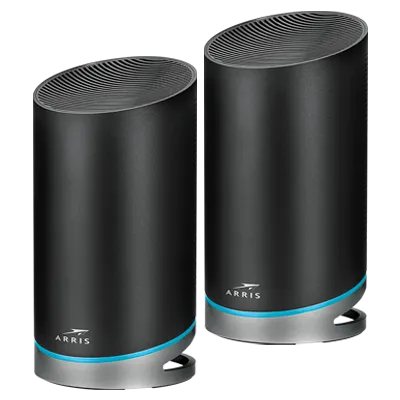
Consumer mesh Wi-Fi systems ship with factory defaults designed for broad hardware compatibility rather than security or traffic efficiency, leaving new deployments exposed to routing conflicts and unisolated smart home traffic until administrators adjust five core settings.
In an October 11, 2026 report for BGR, writer Suzanne Bonnett outlined five configuration changes that users should make through a mesh system's companion mobile app immediately after physical installation. The first adjustment targets wireless encryption. Many mesh routers default to WPA2 out of the box so legacy clients—such as aging smart plugs and entry-level robot vacuums—do not drop offline and fail to reconnect. Running WPA2 exclusively across an entire residence leaves modern hardware without WPA3 protection against brute-force password attacks. Bonnett recommended enabling WPA2/WPA3 Transitional Mode, often labeled Mixed Mode, which broadcasts both protocols simultaneously. Capable laptops and smartphones then negotiate WPA3 connections while older peripherals fall back to WPA2.
A second frequent misconfiguration involves Double NAT when a new mesh router connects to an ISP-leased modem-router gateway. When both appliances attempt to route traffic at the same time, network address translation conflicts degrade performance. According to BGR, many homeowners attempt to resolve Double NAT by placing the new mesh kit into bridge mode. That approach disables the mesh controller's routing tools, including parental controls and device prioritization, reducing the mesh nodes to basic range extenders. Instead, administrators should keep the mesh system in standard router mode and log into the ISP gateway to activate bridge mode or IP passthrough. Disabling the ISP hardware's routing layer hands full traffic management to the mesh system.
Traffic management requires further tuning once the ISP gateway is bridged. Without active prioritization, background transfers compete directly with latency-sensitive applications during peak hours. Enabling Quality of Service (QoS) within the mesh app allows the router to identify real-time traffic such as video calls and online gaming. The QoS engine moves those packets to the front of the queue while pushing lower-priority background tasks, such as a software update for a smart refrigerator, to the back.
Network segmentation provides an additional layer of defense for households with connected appliances. BGR advised turning on the mesh system's guest Wi-Fi feature not just for visitors, but as an isolated network for smart home hardware. Because a guest network remains separated from the primary wireless network, placing smart plugs, thermostats, security cameras, light bulbs, and door locks onto the guest SSID keeps vulnerable IoT devices away from primary computers and phones.
Finally, maintaining those security boundaries depends on ongoing software support. Administrators should verify that firmware updates are applied and replace any router that has reached end-of-life status and stopped receiving firmware patches, as unpatched vulnerabilities negate the protections gained from WPA3 encryption and guest network isolation.


